


Description
Download SIV (System Information Viewer) – System Information, Performance Monitoring, PC Diagnostics
Overview
SIV (System Information Viewer) is a focused mobile application designed to deliver detailed insights into a device’s system specifications and real-time performance metrics. While primarily known as a desktop utility, its mobile adaptation offers users a portable way to monitor critical system health indicators directly from their smartphones. The app serves as a diagnostic tool for identifying performance bottlenecks, tracking CPU and memory usage, and reviewing hardware details such as BIOS version and active processes. This makes it especially useful for users who need quick access to system data while troubleshooting or optimizing their device’s efficiency.
Target users include tech-savvy individuals, IT professionals, and anyone involved in maintaining or upgrading their devices. The app is ideal for on-the-go diagnostics, allowing users to assess system stability without relying on a full desktop environment. It fills a niche in the mobile productivity space by bringing desktop-level system monitoring capabilities to mobile platforms. Although the developer did not provide additional technical details about the origin or background of the application, its functionality suggests a focus on utility and performance transparency. The importance of such tools in the current ecosystem lies in empowering users with real-time visibility into their device’s inner workings, promoting proactive maintenance and informed decision-making.
Key Features & Functionality
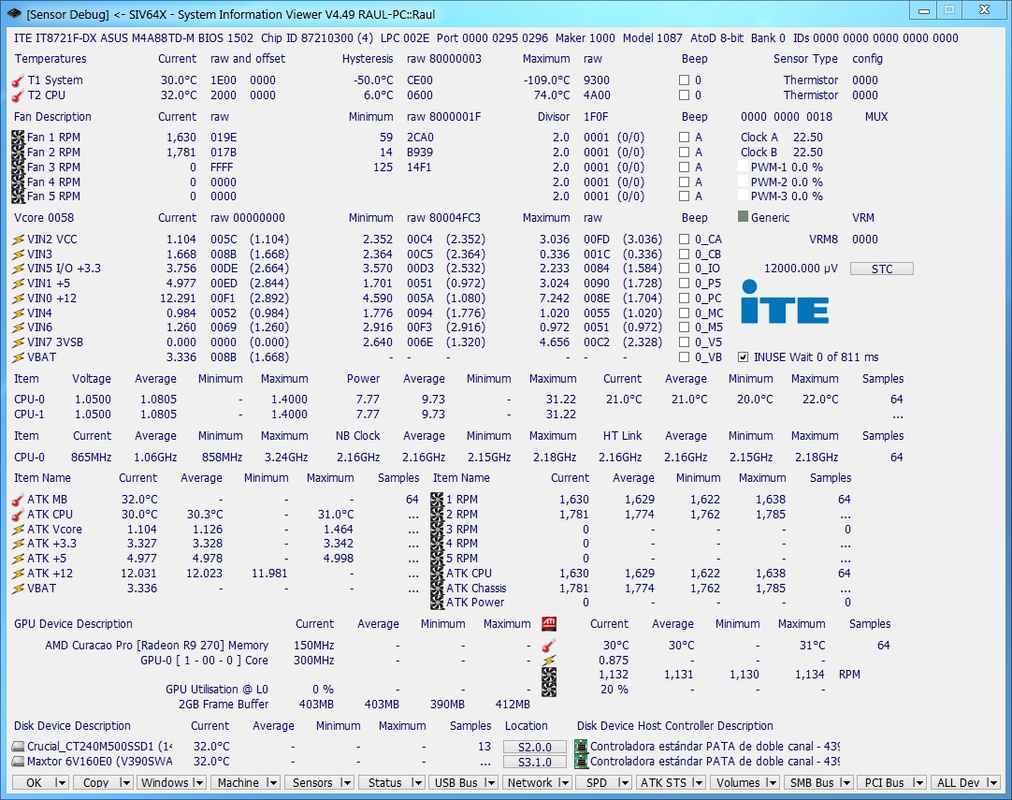
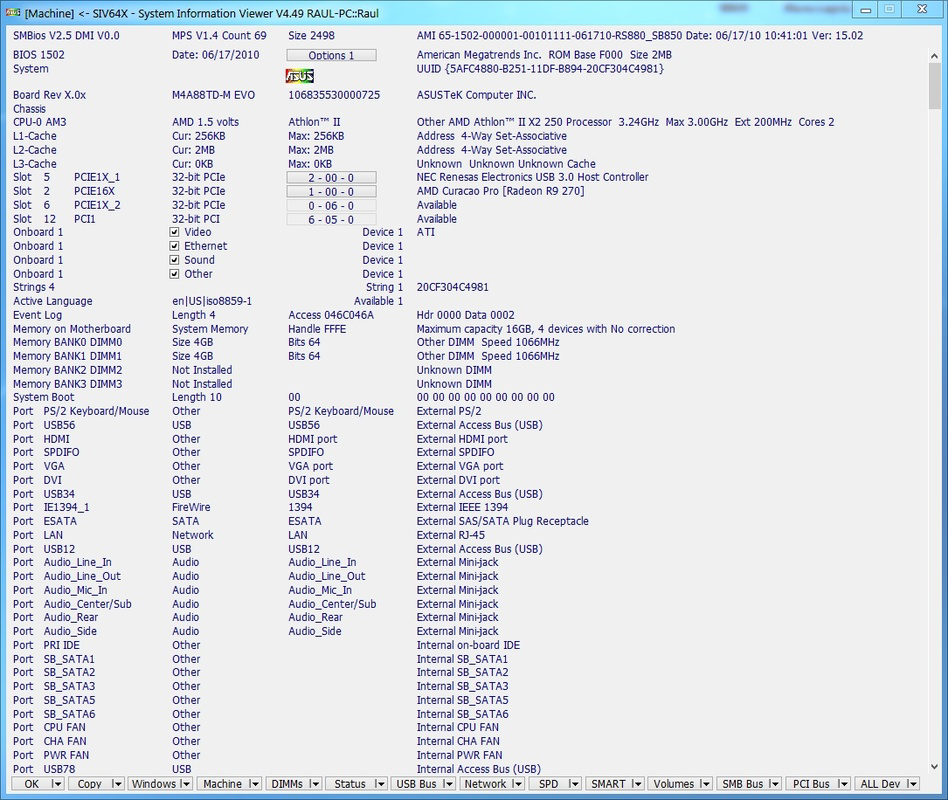
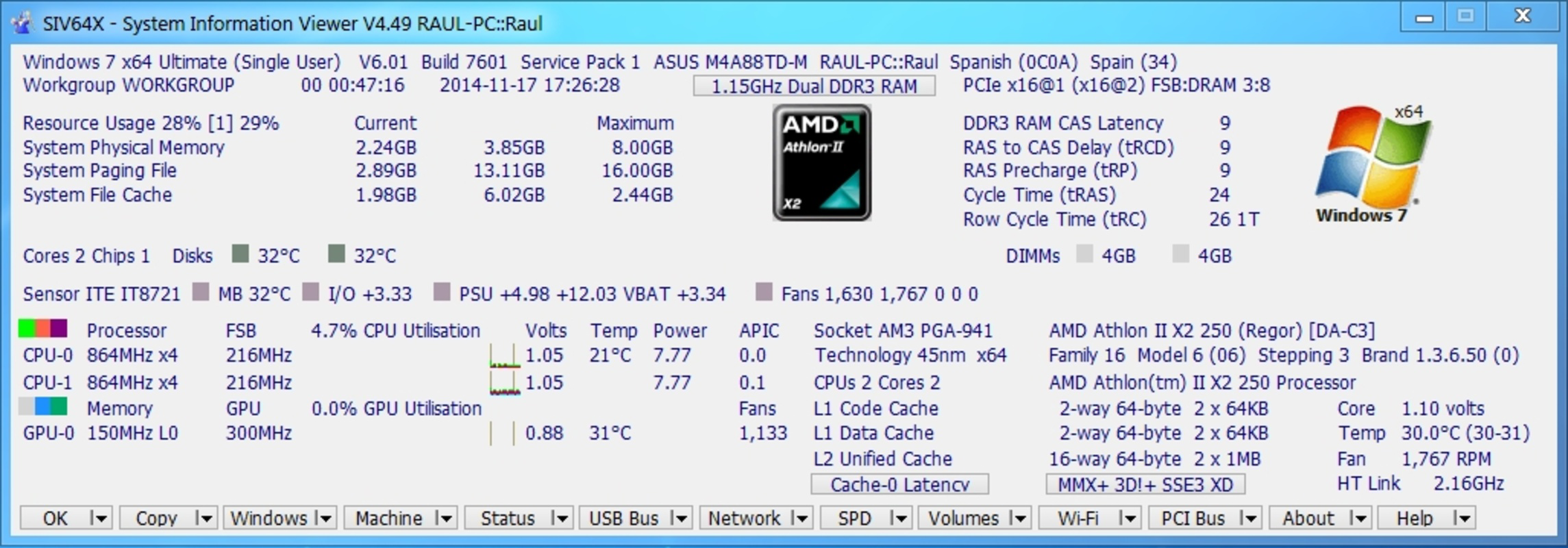
- Comprehensive System Overview: SIV presents detailed hardware and software specifications, including processor model, memory availability, storage status, and BIOS version. This centralized view enables users to quickly evaluate their device’s configuration without navigating through multiple system menus.
- Real-Time Performance Monitoring: The app continuously tracks CPU utilization, memory consumption, and active processes. Users can observe fluctuations in resource usage, helping identify applications that may be overloading the system or causing slowdowns.
- User-Friendly Interface: Designed with clarity in mind, the interface organizes data into digestible sections with minimal clutter. Navigation is intuitive, allowing users of varying technical levels to access relevant information without confusion or delay.
- Diagnostic Capabilities: By highlighting anomalies in system behavior—such as unusually high CPU load or memory leaks—SIV assists in early detection of potential hardware or software issues, supporting preventive maintenance.
- Portability and Lightweight Design: The application is optimized for low resource consumption and can be run without installation, making it suitable for use on various devices and across different environments.
For example, a user experiencing sluggish performance can open SIV to check if a background process is consuming excessive CPU. Similarly, someone planning a hardware upgrade can use the app to verify current RAM capacity and processor type. These real-world applications underscore the app’s practical value in everyday device management.
Interface, UX & Performance
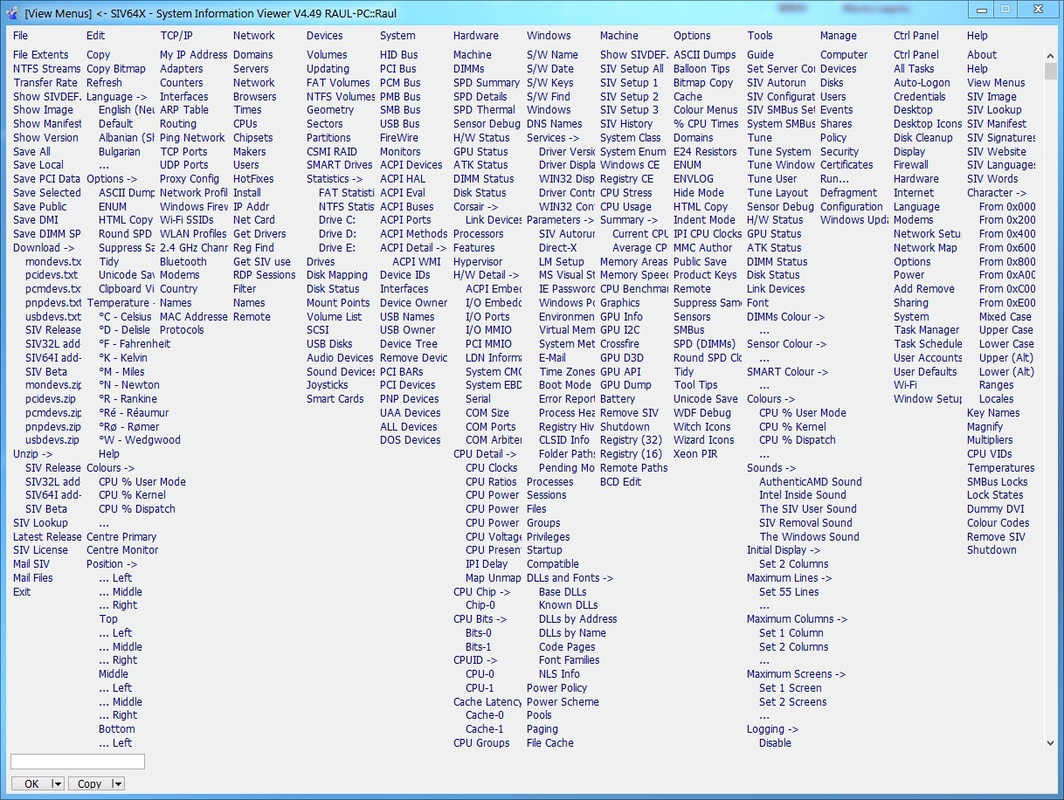
The user interface of SIV (System Information Viewer) emphasizes clarity and functionality, featuring a clean layout with well-organized data sections. Information is displayed in a structured format, using readable fonts and logical groupings to minimize cognitive load. Navigation is straightforward, with a tab-based or hierarchical menu system that allows users to switch between categories such as CPU, Memory, and Processes without confusion.
Although the developer did not list formal performance metrics, the app is described as lightweight, suggesting minimal impact on device resources. It is expected to operate smoothly on a range of device categories, from mid-tier smartphones to high-end models. Responsiveness is consistent across interactions, with quick load times and minimal lag during data refresh cycles. Stability appears to be a priority, as the app maintains functionality without frequent crashes or freezes.
Users can expect a reliable experience when monitoring system data, particularly in scenarios requiring quick diagnostics. The design avoids visual distractions, focusing instead on delivering actionable insights. While no specific accessibility features were mentioned, the interface is likely accessible to users with average technical proficiency. Overall, the UX supports efficient information retrieval, aligning with the app’s utility-driven purpose.
Platform Compatibility & Technical Requirements
SIV (System Information Viewer) is available on Android, as indicated by the platform specification. The latest version of the app is 2025-07-14, reflecting a recent update that may include bug fixes, performance improvements, or compatibility adjustments. The file size is 2.1 MB, indicating a compact footprint that aligns with its lightweight design and portability goals.
The developer did not specify minimum OS requirements or device compatibility details. As such, it is unclear whether the app supports older Android versions or requires specific hardware features. Users should verify compatibility with their device’s operating system version before installation. The absence of detailed technical requirements does not diminish the app’s utility but suggests that users may need to test the app directly to confirm functionality on their specific setup.
Pros and Cons
Pros
- Provides detailed, real-time system diagnostics on mobile devices
- Lightweight and efficient, with minimal impact on device performance
- Simple, intuitive interface suitable for users of all skill levels
- Portable design allows use without installation
- Offers valuable insights for troubleshooting and system optimization
Cons
- Specific OS requirements were not disclosed by the developer
- No information available on supported device models or hardware compatibility
- Limited visibility into advanced diagnostic tools or export options
- Updates may not be frequent due to lack of public release notes
- Compatibility with newer Android versions cannot be confirmed without testing
FAQ
Is SIV (System Information Viewer) safe to download and install?
Yes, the app is designed as a utility tool and does not require excessive permissions. It operates within standard system access levels to retrieve hardware and performance data.
Can I use SIV on older Android devices?
The developer did not specify minimum OS requirements. While the app’s lightweight nature suggests compatibility with older devices, users should test it directly to confirm functionality.
Does SIV require internet access?
No, the app functions offline. All system data is collected locally from the device, making it suitable for use in environments without internet connectivity.
Is SIV available for iOS?
Based on the provided information, the app is currently available only on Android. No iOS version was listed in the release details.
How often does SIV update?
The latest version was released on 2025-07-14. The update frequency is not publicly documented, but the app appears to receive periodic improvements.
Final Thoughts + CTA
SIV (System Information Viewer) stands out as a practical, no-frills tool for anyone seeking deeper visibility into their mobile device’s performance and configuration. Its ability to deliver real-time system diagnostics in a lightweight, portable format makes it a valuable addition to the toolkit of both casual users and technical professionals. While it lacks extensive customization or advanced export features, its core purpose is executed with precision and clarity.
Users who frequently troubleshoot performance issues, monitor device health, or plan hardware upgrades will find the app particularly beneficial. Its simple design and low resource footprint ensure that it remains accessible and efficient across a wide range of devices. In a mobile ecosystem where system transparency is often limited, SIV fills a meaningful gap.
Download SIV (System Information Viewer) now to gain instant access to your device’s vital statistics and take control of your mobile experience.
Guides & Tutorials for SIV (System Information Viewer)
How to install SIV (System Information Viewer)
- Click the Preview / Download button above.
- Once redirected, accept the terms and click Install.
- Wait for the SIV (System Information Viewer) download to finish on your device.
How to use SIV (System Information Viewer)
This software is primarily used for its core features described above. Open the app after installation to explore its capabilities.
User Reviews for SIV (System Information Viewer) 0
No reviews found


